Creating volumes from images
Images & Backups
byAlmas
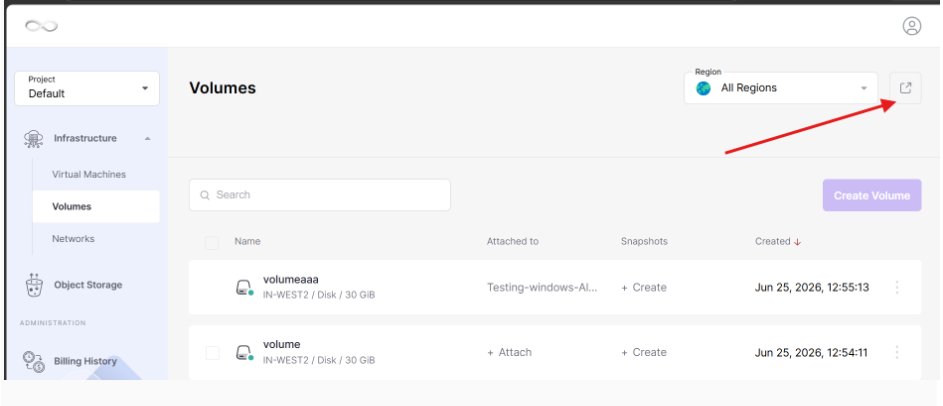
- To make the volume, select the region where your image is present, then go to the advanced dashboard from the main dashboard
- To make a volume from an image:
-
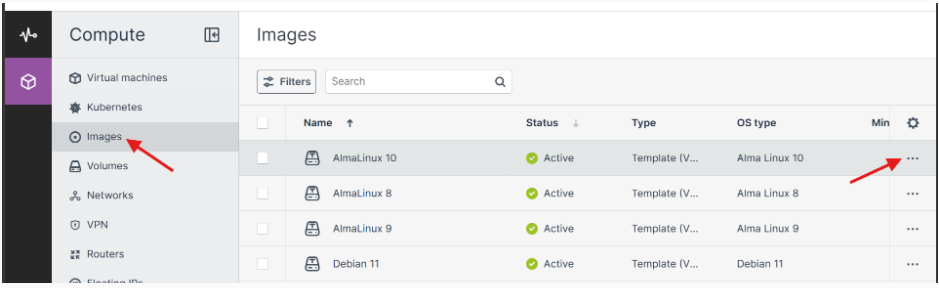
Go to the Images screen, and then click the required image.
-
On the image panel, click Create volume.
-
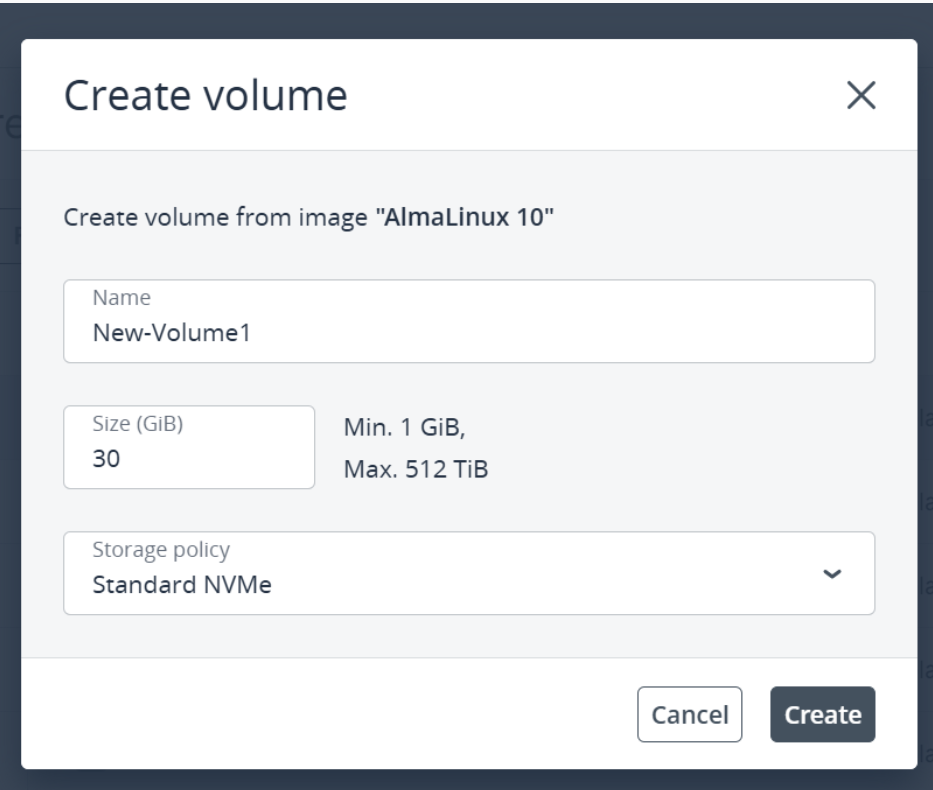
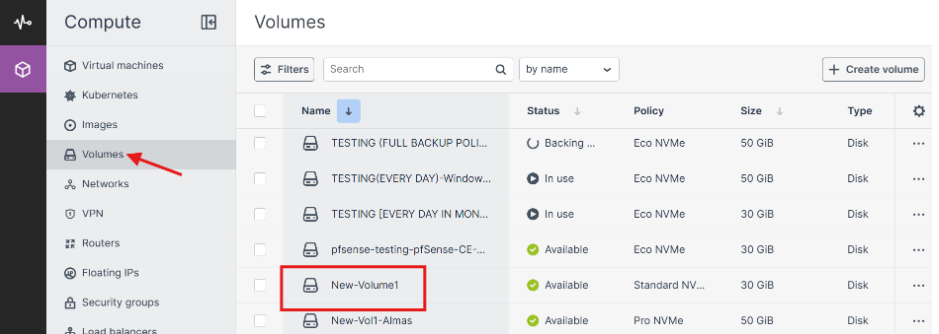
In the Create volume window, specify the volume name, size, and select a storage policy.